
BLOOM RESOURCE LIBRARY
for when you’re doing the books yourself, but don’t want to figure it all out yourself.
Simple bookkeeping tools, financial education, and practical resources to help you feel more organized before you’re ready to fully outsource your books.
Whether you’re tracking income, organizing expenses, preparing for tax season, or trying to understand what your numbers are actually saying, the Bloom Resource Library was created to help you take the next step without spiraling.
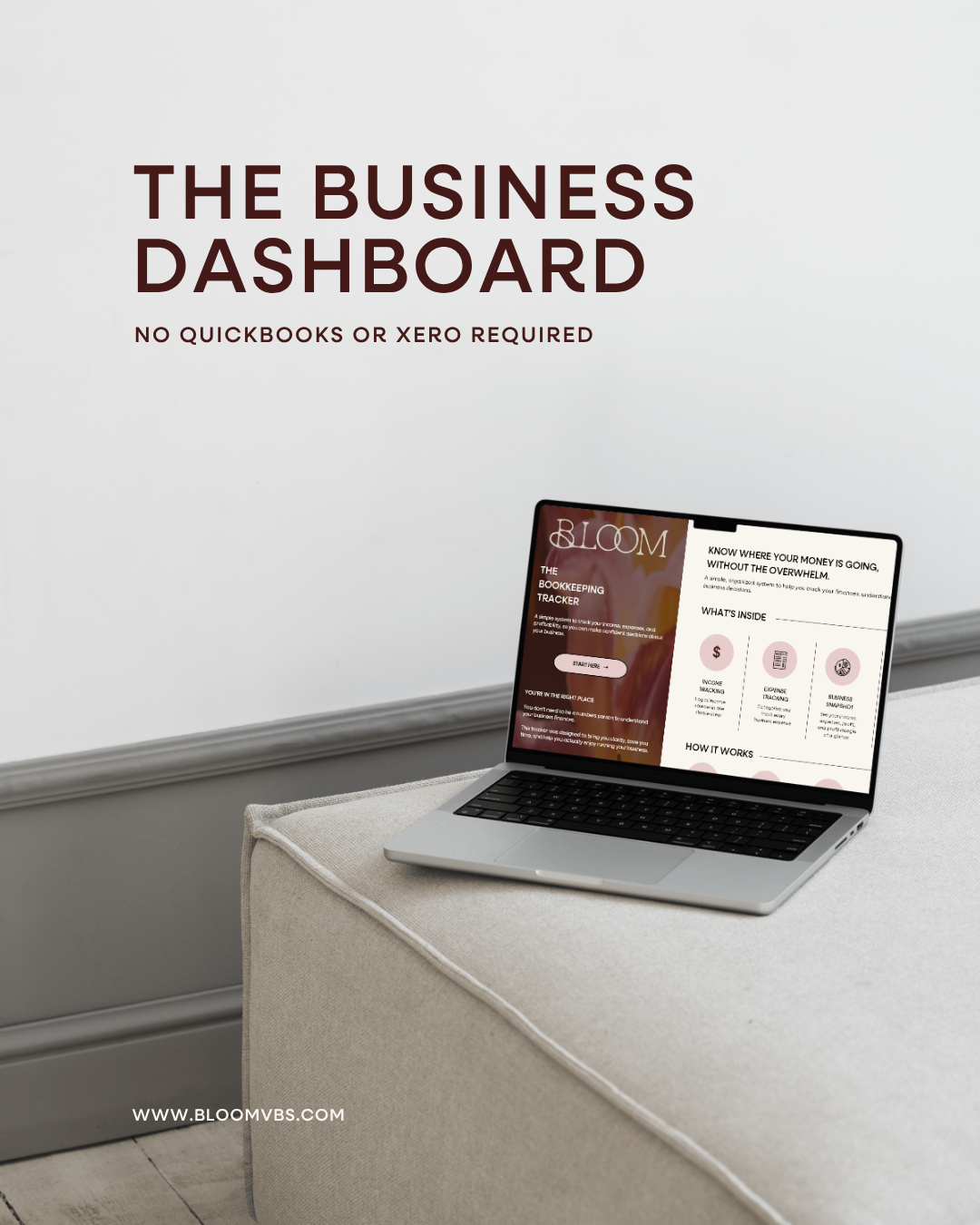
A simpler way to stay on top of your business finances.
You don’t need complicated accounting software to have a clear picture of how your business is doing.
The Business Dashboard is an all-in-one financial tracking tool for business owners managing their own books. Track your income and expenses, see how your business is performing, and turn your numbers into clear, easy-to-understand insights—all in one place.
Inside, you’ll find:
Income & expense tracking
Revenue & expense overviews
Business performance KPIs
Year-over-year comparisons
Business Snapshot
Profit & Loss Statement
Monthly reset checklist
Excel & Google Sheets versions included
No QuickBooks or Xero required 😉
QUICKBOOKS CAN DO A LOT.
BUT IT DOESN’T ACTUALLY KNOW YOUR BUSINESS.
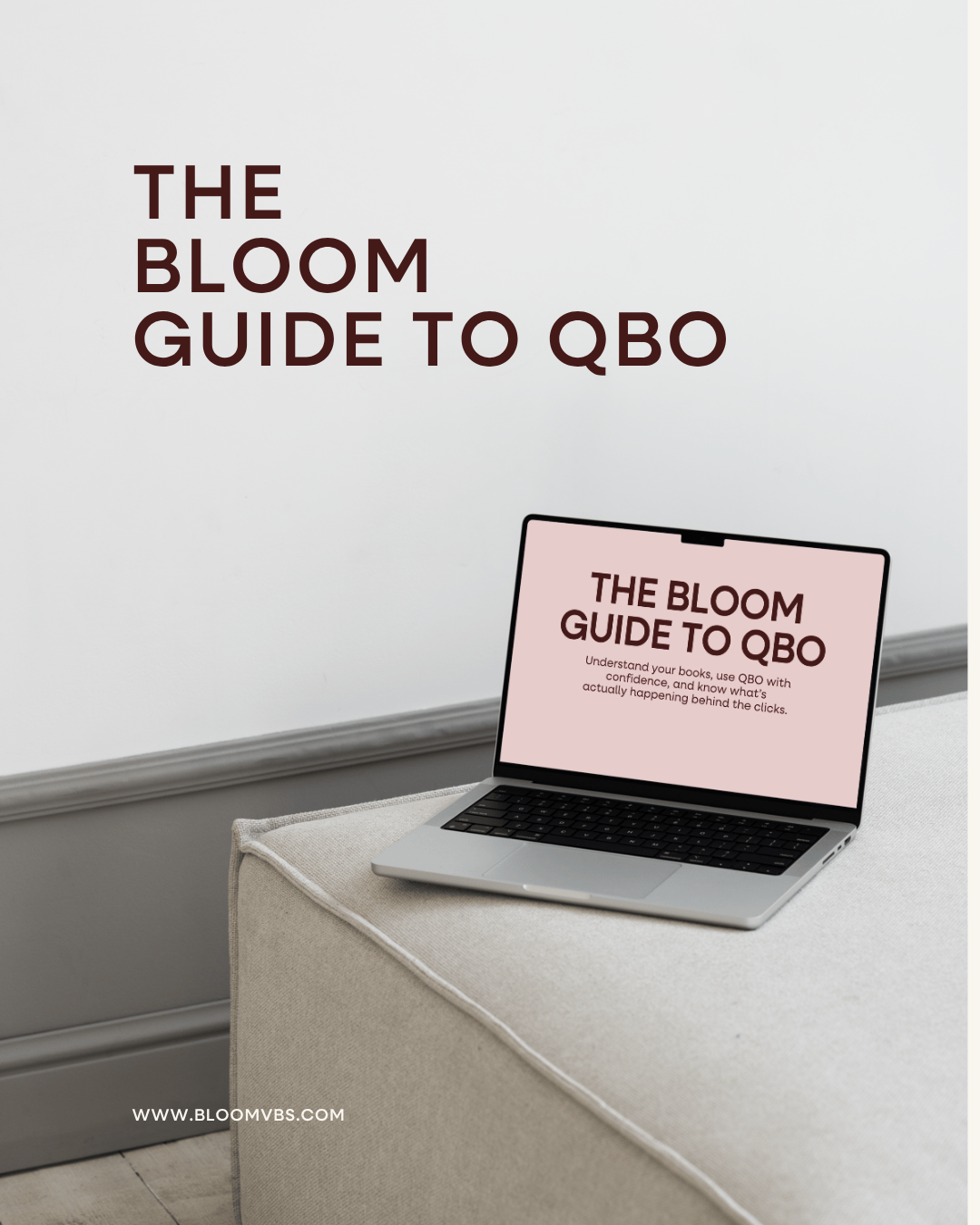
The Bloom Guide to QuickBooks Online was created to help you understand what’s actually happening to your books when you use QBO, without turning you into a bookkeeper.
You’ll learn how transactions move through QuickBooks Online, how the choices you make affect your reports, and what to look for when something doesn’t make sense.
INSIDE THE GUIDE
• 55-page digital guide
• 6 structured chapters
• Chart of Accounts + account setup
• Add vs. Match vs. Transfer vs. Exclude
• Bank feeds, rules + common mistakes
• Invoices, payments, expenses, bills + credit cards
• Transfers, owner activity + refunds
• Reconciliation
• Profit & Loss + Balance Sheet basics
• How to trace transactions behind your reports
• Monthly QBO cleanup routine
• “Put It Into Practice” exercises
• Direct links to relevant QBO tutorials
NOT ANOTHER QBO MANUAL.
QuickBooks Online already has plenty of tutorials showing you where the buttons live.
This guide focuses on the part those tutorials don’t always explain: what those clicks are actually doing to your books.
THIS GUIDE IS FOR YOU IF YOU’VE EVER WONDERED...
“Do I add or match this?”
“Is this actually income?”
“Why doesn’t my bank balance equal my profit?”
“Where did this number on my P&L come from?”
You don’t need to become a bookkeeper.
You just need enough understanding to make better decisions inside QuickBooks.
QuickBooks Online updates its interface regularly. This guide focuses on the bookkeeping concepts and workflows behind the software, while linked official QuickBooks resources provide current software instructions.
LOVE A GOOD FREEBIE?
MEET BOOKMARKED.
Bookmarked is your inbox-worthy collection of bookkeeping resources, practical guides, helpful freebies and more, all designed to make managing your books a little easier.